ElevenLabs Releases CLI v1 for API Access and Agent Configuration
ElevenLabs has launched its CLI v1, providing terminal-based access to its full API with specialized features for coding agents and agents-as-code workflows.
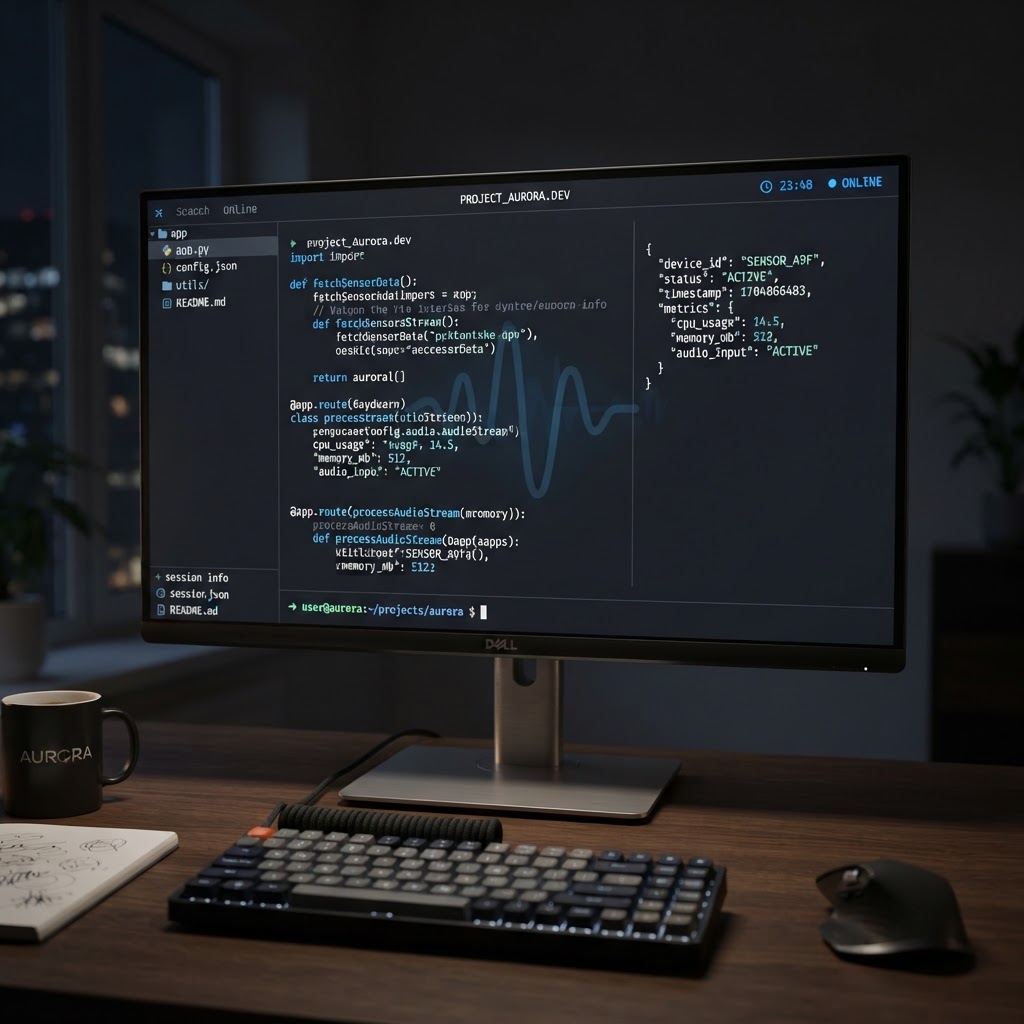
ElevenLabs CLI v1 integrates the full API into the terminal with a focus on structured data and agent-led automation.
- ElevenLabs CLI v1 brings the platform's entire API directly into the terminal environment.
- The tool introduces 'agents-as-code,' allowing users to manage AI agent configurations via local files and version control.
- New features include machine-readable schemas and JSON error responses designed specifically for autonomous coding agents.
Overview of ElevenLabs CLI v1
ElevenLabs has announced the general availability of its Command Line Interface (CLI) version 1. This release transition the platform's full suite of audio and AI capabilities into a terminal-based environment. The tool is designed to serve two primary audiences: human developers seeking a faster workflow than the web dashboard and autonomous coding agents that operate within terminal environments to execute commands and parse results.
The CLI v1 provides an interface for every ElevenLabs API endpoint published in their OpenAPI specification. This includes core services such as text-to-speech conversion, music composition, and transcription. By moving these capabilities into the terminal, ElevenLabs enables developers to integrate audio generation directly into their existing build pipelines and local development environments.
The Agents-as-Code Workflow
A central feature of the v1 release is the 'agents-as-code' paradigm. This approach treats the configuration of ElevenAgents as standard application code rather than objects managed solely through a graphical user interface. The CLI allows developers to pull every agent configuration from their ElevenLabs workspace into local configuration files. Once these files are on disk, they can be edited using any text editor, tracked via version control systems like Git, and shared across development teams.
To manage the synchronization between local files and the remote ElevenLabs workspace, the CLI includes specific commands for pulling and pushing configurations. The elevenlabs agents pull command fetches all agent data into local files, while elevenlabs agents push applies local changes back to the workspace. To prevent accidental misconfigurations, the CLI includes a --dry-run mode. This allows users to preview the exact differences and changes that will occur before the workspace is actually modified.
This workflow is further supported by the introduction of environment branches. Developers can maintain separate configurations for development and production. For example, a development branch might utilize a test phone number and a lower-cost large language model (LLM), while the production branch is configured with live numbers and frontier models. The elevenlabs agents init command provides templates for common use cases, such as customer support, to assist in scaffolding new projects.
Features for Coding Agents
ElevenLabs has structured the CLI to accommodate the specific needs of autonomous coding agents. Unlike human users, AI agents require structured data and predictable failure modes to operate effectively. The CLI addresses this by providing machine-readable contracts through the --schema flag. While human users typically rely on the --help flag for documentation, the --schema command outputs the exact shape of expected inputs, required fields, and response structures in a format agents can parse to construct valid API calls.
Error handling has also been bifurcated to serve both humans and agents. When the CLI detects it is being used by a human via a TTY, it provides legible error messages with hints for resolution. However, when an invalid command is executed in a programmatic context, the CLI returns structured JSON error objects. These objects include specific error codes and machine-readable reasons, such as validationError, allowing the agent to programmatically diagnose and correct its own commands.
Functional Capabilities and Installation
The CLI provides access to the broader ElevenLabs ecosystem through subcommands. Users can list all agents in their workspace in a structured JSON format, compose music from text prompts, and convert text to speech using specific voice IDs. For instance, the elevenlabs music compose command allows for direct track generation, saving the output to a specified MP3 file without leaving the terminal.
Installation methods have been provided for multiple operating systems. Users on macOS can install via Homebrew, while Windows users can utilize the Scoop package manager. A universal installation script via cURL is also available for other environments. Furthermore, ElevenLabs has introduced 'skills,' which are pre-packaged workflows that can be installed into a project. These skills act as extended manuals that teach coding agents how to perform complex tasks, such as transcribing calls or building new agents from scratch.
For organizations managing a large fleet of agents across multiple customer organizations, this terminal-first approach provides a method for bulk migration and version control that is difficult to achieve via a web-based dashboard. The CLI is intended to facilitate scaling by allowing developers to manage configurations as sets of files rather than individual entries in a user interface.
Enjoyed this?
Get more posts like this delivered to your inbox.
Google Antigravity Introduces Interactive Generative UI Artifacts
Next →Google Antigravity Updates Integrated Version Control and Terminal
Related Articles

Vercel Adds Spend Management Capabilities to CLI
3 min read
Anthropic Introduces MCP Tasks and Elicitations for Claude Code
3 min read