Google Antigravity Updates Integrated Version Control and Terminal
Google Antigravity has introduced integrated Git VCS controls and an embedded terminal to streamline development workflows in the agent-first era.
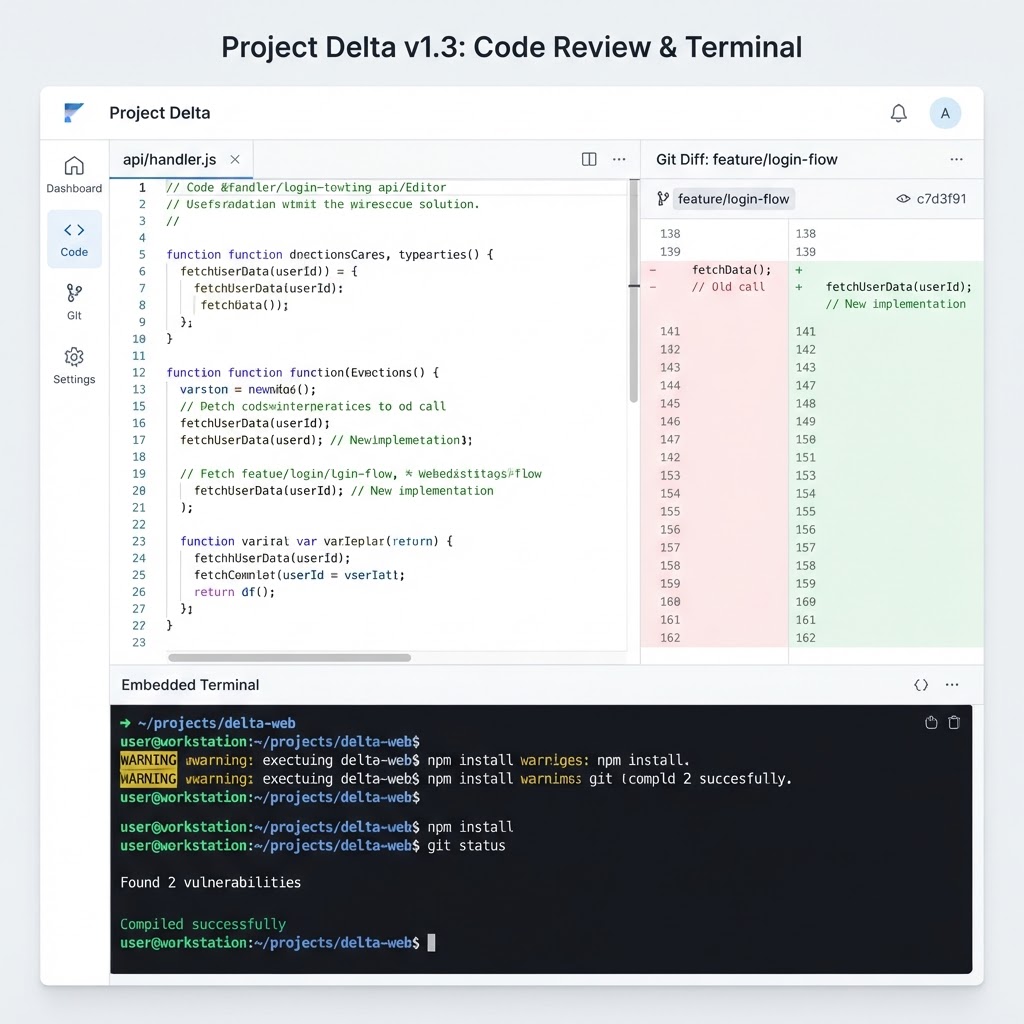
The new Antigravity interface features a unified side panel for Git operations and an integrated terminal tab.
- Google Antigravity has integrated Git Version Control System (VCS) controls and an embedded terminal directly into its interface.
- The update allows developers to monitor workspace changes from all sources, including AI agents and external scripts, within a single side panel.
- New features include staging, committing, and pushing changes, as well as running tests and linters via a built-in terminal tab.
Unified Version Control in Antigravity 2.0
Google Antigravity has announced an update to its development environment focused on improving the version control experience. The update introduces Git Version Control System (VCS) controls directly into the platform's right-side panel, supplemented by an embedded terminal. According to the official announcement, these changes are designed to enhance reviewability and trust when developers pair with AI coding assistants.
The integration aims to solve visibility gaps that occur when a developer's UI becomes out of sync with their working directory. Previously, developers often had to switch between the Antigravity interface, a separate terminal, and external version control GUIs. By centralizing these tools, the platform intends to minimize context switching and maintain a more consistent development workflow.
Enhanced Side Panel Functionality
The updated side panel now serves as a central hub for all repository changes. While the interface previously focused on edits made specifically by AI agents, the new VCS integration tracks all modifications within the working tree. This includes changes initiated by Python scripts, edits performed in separate text editors, and side effects resulting from bash scripts.
The side panel allows users to toggle between three distinct views to categorize these changes:
- Agent Edits: Displays files modified by the AI agent during the current conversation.
- Uncommitted: Shows all staged index changes and general working tree changes.
- Branch: Provides a comprehensive view of all changes made on the current branch relative to
origin/main.
Within this panel, users can perform standard Git operations without leaving the environment. This includes staging and unstaging modified files, as well as opening a commit dialog. The commit tool includes an interactive preview for auto-generated commit messages, allowing developers to verify changes before finalizing them to the branch.
Integrated Terminal Capabilities
Alongside the VCS controls, Google has added an embedded terminal tab accessible via the activity bar or the keyboard shortcut Ctrl+Shift+`. This terminal allows developers to run command-line tools that were previously accessed through external applications. Supported activities include running unit tests (e.g., go test ./...), executing linters, managing packages, and performing build processes.
The integration of the terminal is intended to facilitate a complete development loop. Developers can observe changes made by an AI agent in the side panel, run a test suite in the embedded terminal to verify those changes, and then commit the results immediately using the VCS tools. According to the Antigravity team on X, this consolidation allows for "Git-native precision" when reviewing working tree diffs.
Advanced Diff Review Tools
To support thorough code reviews, the update includes enhanced diffing capabilities. Users can inspect changes using either a Split Diff or Unified Diff view, selectable from a dedicated menu. The interface also includes a search tool specifically for diffs, enabling users to locate specific code modifications within large sets of changes. These diffs are "VCS-grounded," meaning they reflect the actual state of the Git repository rather than just the platform's internal tracking.
The Antigravity team emphasizes that these updates are part of a broader effort to build tools specifically for developers in the "agent-first era." By providing full visibility into how and why a repository state changes, the platform seeks to establish higher levels of trust in the modifications suggested or implemented by AI tools.
Availability and Future Outlook
The new VCS and terminal features are currently available within the Antigravity 2.0 product suite, which includes the Antigravity IDE and CLI. The team has indicated that they are actively seeking user feedback on these new controls through their social media channels to inform future iterations of the product. The ultimate goal remains the elimination of the development visibility gap by providing a single view for branch and workspace changes regardless of their source.
Enjoyed this?
Get more posts like this delivered to your inbox.
ElevenLabs Releases CLI v1 for API Access and Agent Configuration
Next →Google Antigravity 2.0 Introduces Remote Control for Agentic Workflows
Related Articles

Vercel Adds Spend Management Capabilities to CLI
3 min read
AWS Launches Continuum: An Autonomous AI Security Agent Designed to Find, Prove, and Patch Code Vulnerabilities at Machine Speed
4 min read