Google Antigravity Introduces Interactive Generative UI Artifacts
Google Antigravity has launched Generative UI artifacts, allowing AI agents to create interactive 3D visualizations and dynamic dashboards within the developer environment.
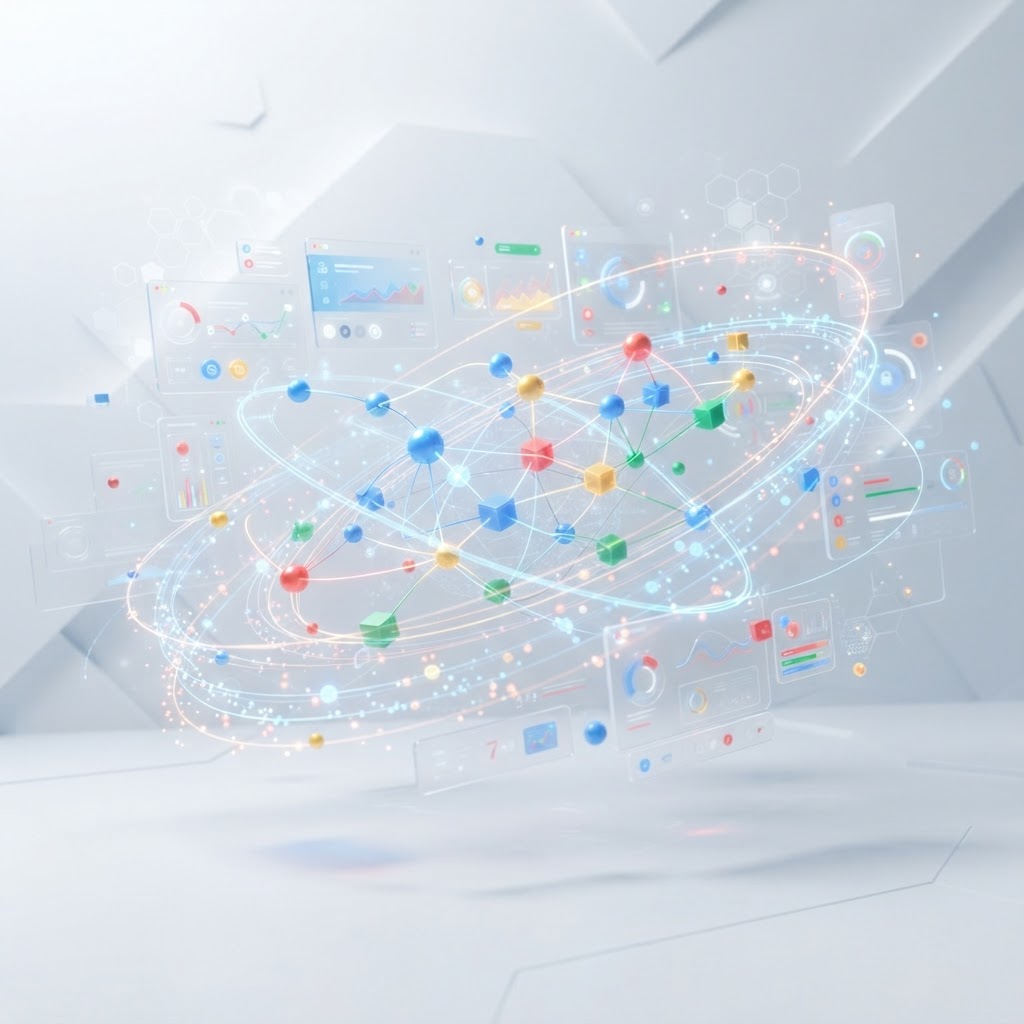
Google Antigravity's new Generative UI allows agents to render complex, interactive data visualizations directly in the developer interface.
- Google Antigravity now supports Generative UI, enabling agents to produce interactive visual components instead of just text or markdown.
- New artifact types include dynamic dependency graphs, 3D orbital simulations, and spatial data structure explorers like quadtrees.
- The system integrates multiple models including Gemini 3.7 Flash and Claude 4.6 to render and iterate on UI elements in real time.
Extending Beyond Text-Based Agent Interfaces
Google Antigravity has announced the integration of interactive Generative UI artifacts into its agent-first development platform. According to the company, standard markdown, static images, and Mermaid diagrams are often insufficient for representing complex architectural relationships or high-dimensional data. This new capability allows AI agents to construct and render functional visual components, ranging from data dashboards to 3D explanatory models, directly within the user interface.
As development workflows increasingly rely on terminal user interfaces (TUIs) and text-heavy environments, the introduction of Generative UI seeks to bridge the gap between technical efficiency and visual comprehension. By providing a medium for agents to express ideas through interaction, the platform aims to reduce the cognitive load associated with interpreting large volumes of code-based data.
Functional Use Cases for Interactive Artifacts
The implementation of these artifacts is demonstrated through several technical visualizations designed for software engineering and scientific exploration. One primary application is dependency visualization. In a provided example, an agent analyzed the @chromeos/android-package-signer library, generating a node-based graph that distinguishes between direct runtime dependencies, transitive dependencies, and internal modules. This interactive graph includes a node inspector and zoom controls, allowing developers to audit package structures without leaving the agent manager.
Another visualization involves spatial data structures, specifically a Quadtree Explorer. This tool allows users to insert points into a canvas and observe how the quadtree algorithm partitions space into quadrants (NW, NE, SW, SE) based on bucket capacity. The artifact provides real-time metrics on tree depth and range search pruning, serving as an educational and debugging tool for algorithmic efficiency.
For more complex simulations, the platform supports 3D environments like the Helios Solar Explorer. This artifact models orbital dynamics, utilizing Keplerian elements to visualize planetary motion. Users can toggle layers such as asteroid belts and habitable zones, or adjust simulation speeds to observe orbital periods over time. The integration of such high-fidelity components suggests that Generative UI in Antigravity is not limited to simple charts but extends to complex, physics-based rendering.
Multi-Model Integration and Developer Workflow
The Generative UI system is built to work across a variety of large language models. The interface allows developers to select from several backend models to drive the simulation and artifact generation. These include the Gemini 3.7 Flash and 3.1 Pro models, as well as external models like Claude Sonnet 4.6 (Thinking) and GPT-OSS 120B. The platform includes usage tracking for these models, with specific limits allocated for weekly and five-hour intervals.
The workflow for creating these artifacts involves a collaborative iteration process between the developer and the agent. A developer can request a visualization—such as a map of project dependencies—and the agent performs the necessary file analysis and thought processing before rendering the HTML-based artifact. The system allows for replaying steps or editing prompts to refine the visual output, ensuring the artifact accurately represents the underlying data.
Reducing Context Switching
A central goal of the Antigravity Generative UI update is the reduction of context switching. Traditionally, if an agent produced a data set that required visualization, the developer would need to export that data to an external tool or browser to generate a chart or model. By hosting these interactive artifacts natively, Antigravity keeps the visual representation adjacent to the code and the agent's logic. This proximity allows for more informed decision-making regarding codebase architecture and scientific data analysis.
The company notes that while the appearances of these simulations may vary slightly in the final product compared to current demonstrations, the underlying capability to generate, render, and iterate on rich visual components in real time is a core feature of the Antigravity 2.0 ecosystem.
Enjoyed this?
Get more posts like this delivered to your inbox.
Cohere Launches Parse for Enterprise Document Intelligence
Next →ElevenLabs Releases CLI v1 for API Access and Agent Configuration
Related Articles

Anthropic Introduces MCP Tasks and Elicitations for Claude Code
3 min read
Google Releases Gemini API CLI: An Experimental Terminal Tool Bringing Google's Latest Reasoning Models, Media Generation, Multimodal Analysis, and Managed Agents Into AI Coding Agents You Already Use
3 min read