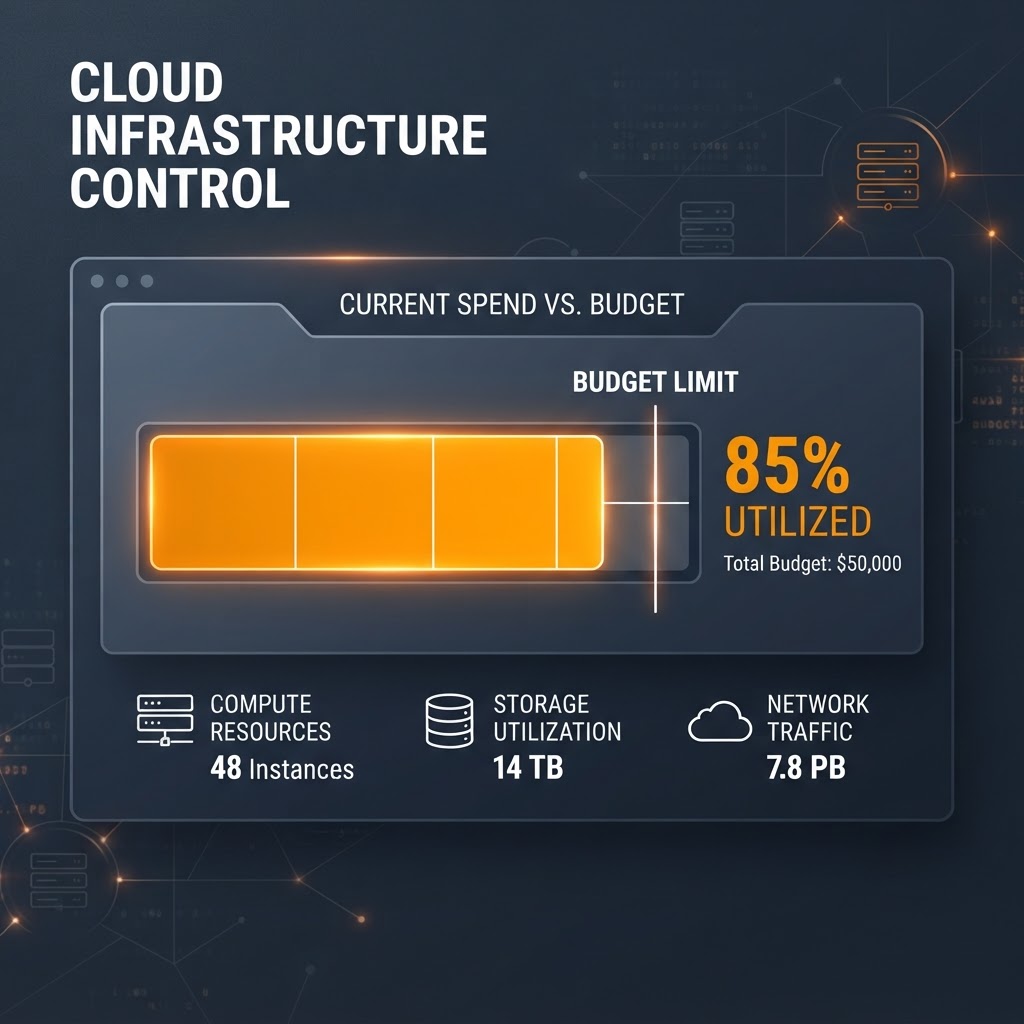
Vercel Adds Spend Management Capabilities to CLI
Vercel has introduced Spend Management features in its CLI, allowing users to monitor, set, and manage usage budgets directly from the terminal.

The new vercel budgets command provides direct terminal access to account spend management.
- Users can now manage team budgets directly from the command line using the new 'vercel budgets' command.
- The CLI tool supports setting budgets, pausing production deployments, and viewing alert history.
- These features are available for Pro and Enterprise teams at no additional cost.
New Spend Management Features in Vercel CLI
Vercel has expanded its platform capabilities by introducing Spend Management support within the Vercel CLI. This update enables developers and team administrators to monitor account spending, configure on-demand budgets, and automate cost-control actions without needing to navigate the web-based dashboard.
The integration of these features into the CLI is designed to streamline operations for teams that prefer working directly from the terminal or for those integrating budget management into automated scripts and CI/CD pipelines. This update is available for users running vercel@59.23.0 or later versions.
Managing Budgets via the Terminal
The core of this update is the vercel budgets command. It provides a straightforward interface to interact with the team's billing settings. Users with the Owner or Billing role can retrieve their current spend status and active budget definitions by simply running the command in their terminal.
When executing vercel budgets set, developers can define an explicit budget amount in USD. A significant feature is the --pause flag, which allows teams to automatically disable production deployments for all projects on a team when the specified spending threshold is reached. This is a practical measure for teams aiming to avoid unexpected usage spikes. Once a budget is set, users can monitor the status, including percentage used, via the CLI, or remove the budget configuration entirely using vercel budgets remove --yes.
Monitoring Alert History
Beyond setting thresholds, the CLI now provides visibility into past budget alerts. By running vercel budgets alerts, users can view a log of historical budget events. This log provides data on when specific thresholds—such as 50%, 75%, or 100% of the set budget—were triggered. The command supports additional filtering parameters such as --since, --until, --limit, and --json, making it easier to integrate this telemetry into external monitoring or reporting tools.
Operational Context and Availability
Vercel emphasizes that Spend Management is intended to provide automated safeguards. The platform conducts usage checks every few minutes. Because these checks are not continuous, the company advises users to account for a minor delay between crossing the threshold and the subsequent action (like pausing deployments or triggering a webhook). Consequently, it is recommended that teams set their budget amounts slightly below their absolute financial limit to ensure a buffer for these checks.
The feature set is currently available at no additional cost for users on Pro plans and Enterprise teams that are on the Flexible Commitment plan. This update continues Vercel's efforts to provide more granular, programmatic control over the infrastructure resources managed on their platform. By bringing billing and budget management into the CLI, Vercel reduces the need for context switching between development tasks and administrative overhead, allowing engineering teams to maintain better oversight of their cloud expenditure within their native working environment.
Enjoyed this?
Get more posts like this delivered to your inbox.
Related Articles

AWS Launches Continuum: An Autonomous AI Security Agent Designed to Find, Prove, and Patch Code Vulnerabilities at Machine Speed
4 min read
Microsoft Introduces Microsoft.UI.Reactor: An Experimental Framework for Building WinUI 3 Desktop Apps
4 min read