Mercury: The Open-Source AI Agent That Thinks, Acts, and Asks Permission
Mercury is an open-source AI agent built around three principles: it thinks with intelligent loop detection and 25-step agentic loops, acts with 40+ built-in tools across filesystem, shell, GitHub, and Spotify, and asks — ensuring nothing happens without your explicit permission or AI self-monitoring.
What Is Mercury?
Mercury is an open-source, MIT-licensed AI agent from Cosmic Stack that takes a fundamentally different approach to autonomous agents. Rather than blindly executing tasks, Mercury is built around three core principles: Think, Act, and Ask — giving you full control while still letting agents run 24/7 headlessly from your terminal or Telegram.
Multi-Agent Orchestration
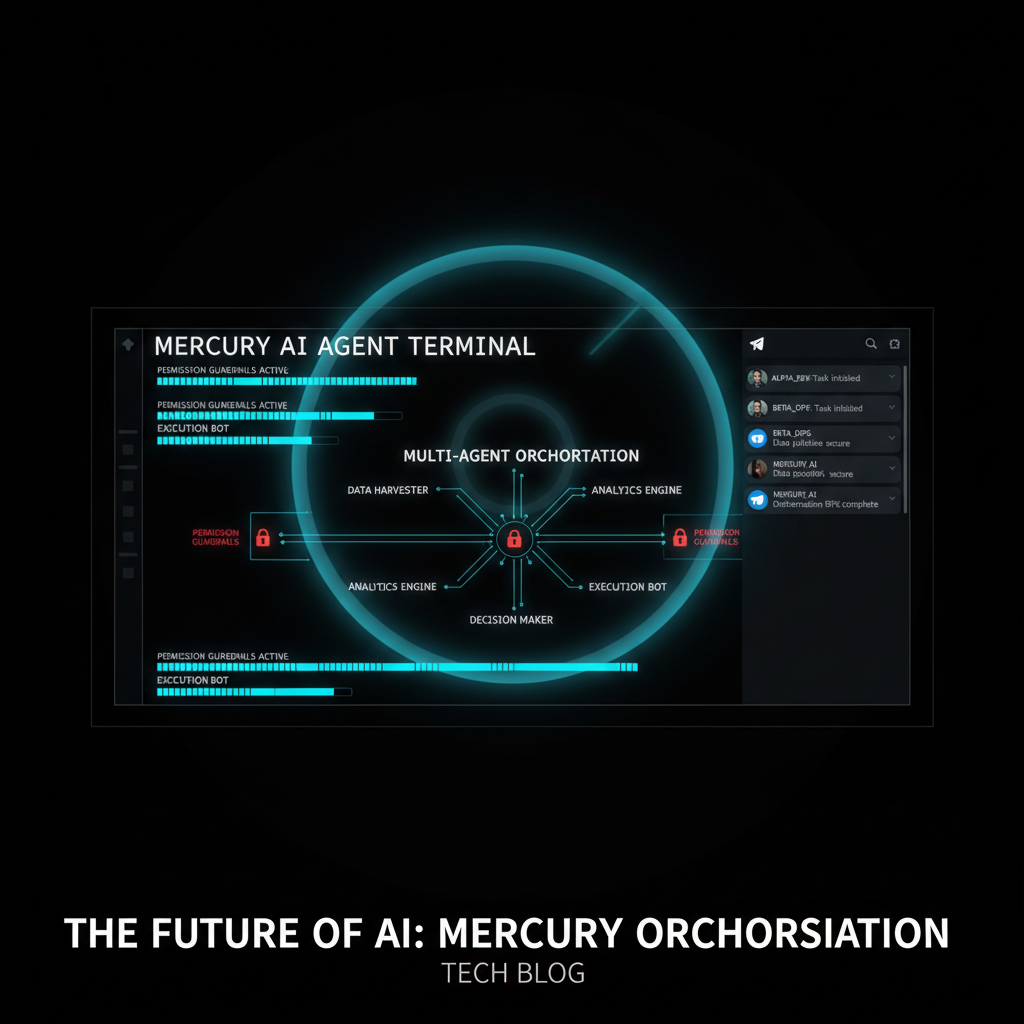
Mercury can spawn parallel sub-agents to tackle concurrent tasks, each running in isolated context windows with reader-writer file locks to prevent conflicts. The system is resource-aware — max concurrent agents are auto-detected from your CPU and RAM — and fully non-blocking, so you can keep chatting while agents work in the background.
Autopilot: Intelligent Loop Detection
One of Mercury's standout features is Autopilot, a loop detection engine that analyzes parameter diversity and success rates to distinguish productive work from stuck patterns:
- Productive — high diversity (>60%) and success rate (>70%): Mercury continues without interruption
- Suspicious — moderate repetition: AI self-check evaluates progress in Allow All mode, or prompts you in Ask Me mode
- Stuck — low diversity and high failure rate: Mercury automatically stops the execution path
40+ Built-In Tools, Zero Configuration
Mercury ships with a comprehensive tool library out of the box: filesystem operations, shell execution, git, GitHub PRs and issues, Spotify playback with native DJ mode, markdown skill scheduling, and real-time progress tracking with completion banners and token stats. No configuration required.
Three Channels, One Agent
Mercury runs identically across three interfaces:
- CLI — Ink-based TUI with live progress, slash command autocomplete, workspace IDE mode with file explorer and git panel, and Spotify player integration
- Web Dashboard — React SPA at localhost:6174 with Kanban boards, Second Brain memory visualization, and provider/skill management
- Telegram — Single pinned status card showing live progress, ephemeral permission prompts, inline keyboards, and organization access with admin/member roles
Second Brain Memory System
Mercury's memory architecture mimics the human mind with two layers: a Conscious Mind for active working memory and immediate recall, and a Subconscious Mind for long-term patterns and learned preferences. It auto-consolidates hourly, resolves memory conflicts by confidence score, tracks people you mention with alias resolution and relationship mapping, and keeps all data fully local in SQLite — nothing leaves your machine.
Permission Modes and Any Provider
Choose between Ask Me mode (prompt for every write, command, and scope change) or Allow All mode (auto-approve with AI self-monitoring and a safe command whitelist). Mercury supports ChatGPT Web, GitHub Copilot, DeepSeek, OpenAI, Anthropic, Grok, and local Ollama — with automatic provider fallback tracking which one last succeeded.
Install in 60 seconds: npm i -g @cosmicstack/mercury-agent && mercury. Full docs and source at github.com/cosmicstack-labs/mercury-agent.
Enjoyed this?
Get more posts like this delivered to your inbox.
Cue: The macOS App That Brings AI to Every Text Field
Next →Agent Zero v1.16 + A0 CLI v1.10: Computer Use, Modular Speech, and Plugin Overhaul
Related Articles

Vercel Adds Spend Management Capabilities to CLI
3 min read