Agent Zero v1.16 + A0 CLI v1.10: Computer Use, Modular Speech, and Plugin Overhaul
Agent Zero v1.16 and A0 CLI v1.10 are out, bringing Computer Use as a cross-platform beta feature, a fully modular speech stack with bring-your-own STT/TTS plugins, configurable timezone preferences, ephemeral screenshot privacy, and a major overhaul of the plugin and editor system.
Computer Use Arrives in Agent Zero
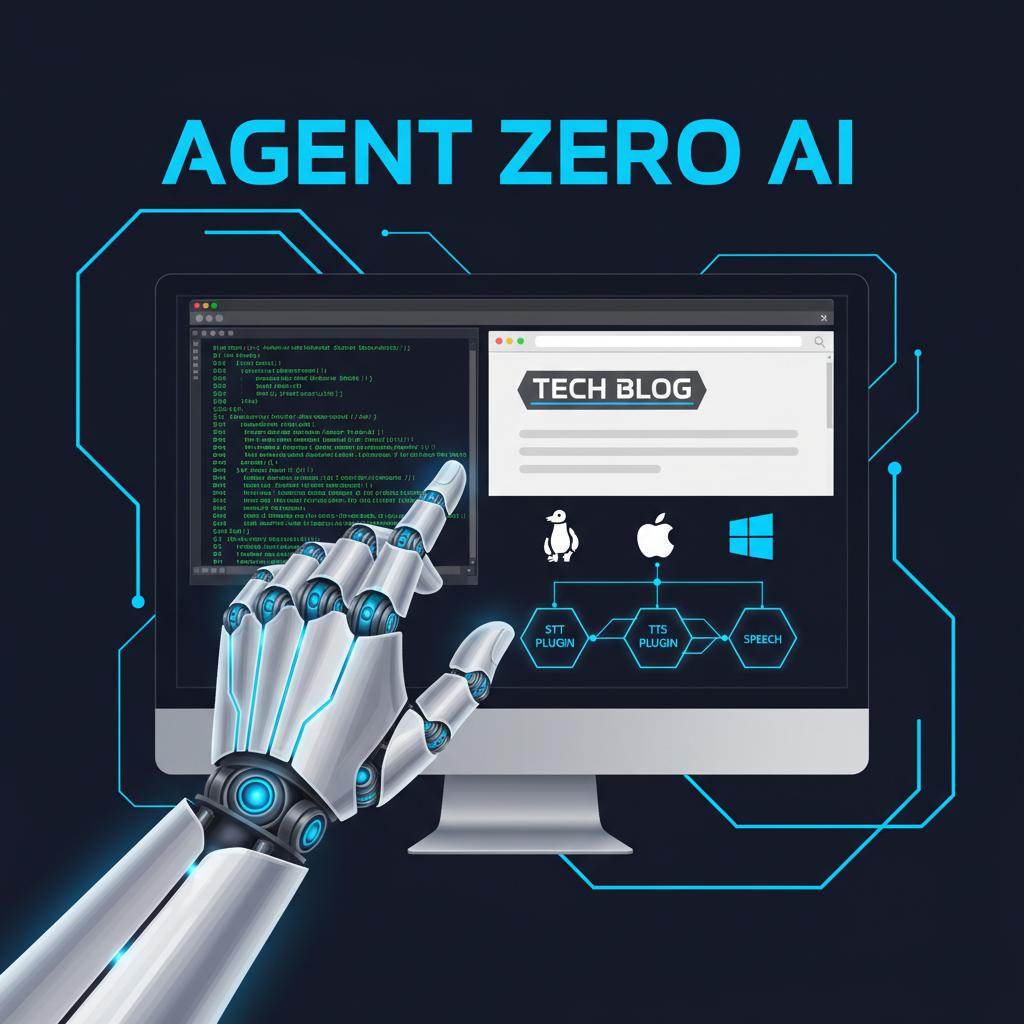
The headline feature of Agent Zero v1.16 is Computer Use — now available as a cross-platform beta across Linux, macOS, and Windows via the A0 CLI v1.10. This gives Agent Zero the ability to directly control a desktop environment, clicking, typing, and navigating like a human user. It ships as a beta with feedback actively encouraged from the community.
The Computer Use skill is explicitly gated and scoped to desktop control in this release, with updated rearm guidance pointing to the new /computer-use CLI access model. Browser, Desktop, and computer-use screenshots are now ephemeral and context-scoped by default — routed through in-process image refs rather than written to disk, a meaningful privacy improvement for sensitive workflows.
Speech Stack Fully Refactored
The legacy monolithic speech system has been replaced with a modular plugin architecture. Two built-in plugins now handle speech independently:
- _kokoro_tts — text-to-speech, can be toggled on/off independently; browser-native TTS remains as a fallback when Kokoro is disabled
- _whisper_stt — speech-to-text; the mic UI only appears when this plugin is enabled
The new architecture uses engine-agnostic service brokers, meaning you can swap in your own STT/TTS providers. Legacy speech settings and APIs have been removed — this is a breaking change and existing speech configuration will not carry over automatically.
Timezone and Time Display Preferences
Users can now configure their timezone and 12/24-hour clock preference. This setting flows through the scheduler, notifications, backups, memory timestamps, and all frontend time displays. UTC remains the internal boundary for absolute timestamps; all user-facing dates render in the selected timezone.
Plugin System Improvements
v1.16 brings a significant cleanup of the plugin system:
- One-click ON/OFF toggle — the plugin list replaces the previous dropdown with a single activation switch
- Configurable error retry count — the
_error_retryplugin now reads its retry limit from settings instead of a hardcoded single retry - Skill visibility controls — skills can be hidden from the model-facing catalog via the chat Skills selector; hidden skills are filtered from listing, search, recall, and prompt injection
- Scanner false-positive reduction — scanner prompts are now calibrated around demonstrated risk rather than flagging common capabilities like network calls or filesystem access
- Connector skill activation — a new
skills_activateendpoint lets connector clients activate skills in live chats
Editor and Document Artifact Changes
The Text Editor now owns Markdown saves, canvas-open intent, refresh, and stale-save protection. Office artifacts have been renamed from document_artifact to office_artifact — another breaking change: skills and integrations referencing the old name will need updating. The File Browser now intelligently routes files: Markdown to Editor, txt/Office documents to Desktop, and browser-renderable files to Browser.
Additional Fixes and UI Polish
- Unified header action rail across Browser, Desktop, and Editor floating modals
- Fixed message queue persistence after auto-send
- WhatsApp connector now includes the sender number in user messages
- Codex OAuth setup UI gains Main/Utility model selectors and account quota usage bars
- Clearer recovery guidance when the host-browser runtime fails
Full release notes at github.com/frdel/agent-zero.
Enjoyed this?
Get more posts like this delivered to your inbox.
Mercury: The Open-Source AI Agent That Thinks, Acts, and Asks Permission
Next →Google Open-Sources AX: A Distributed Agent Runtime Built for Reliability and Resumption