Claude Code Dynamic Workflows Unleash Multi-Agent Orchestration
Anthropic's newly launched dynamic workflows in Claude Code empower developers to coordinate hundreds of parallel subagents for massive codebase tasks.
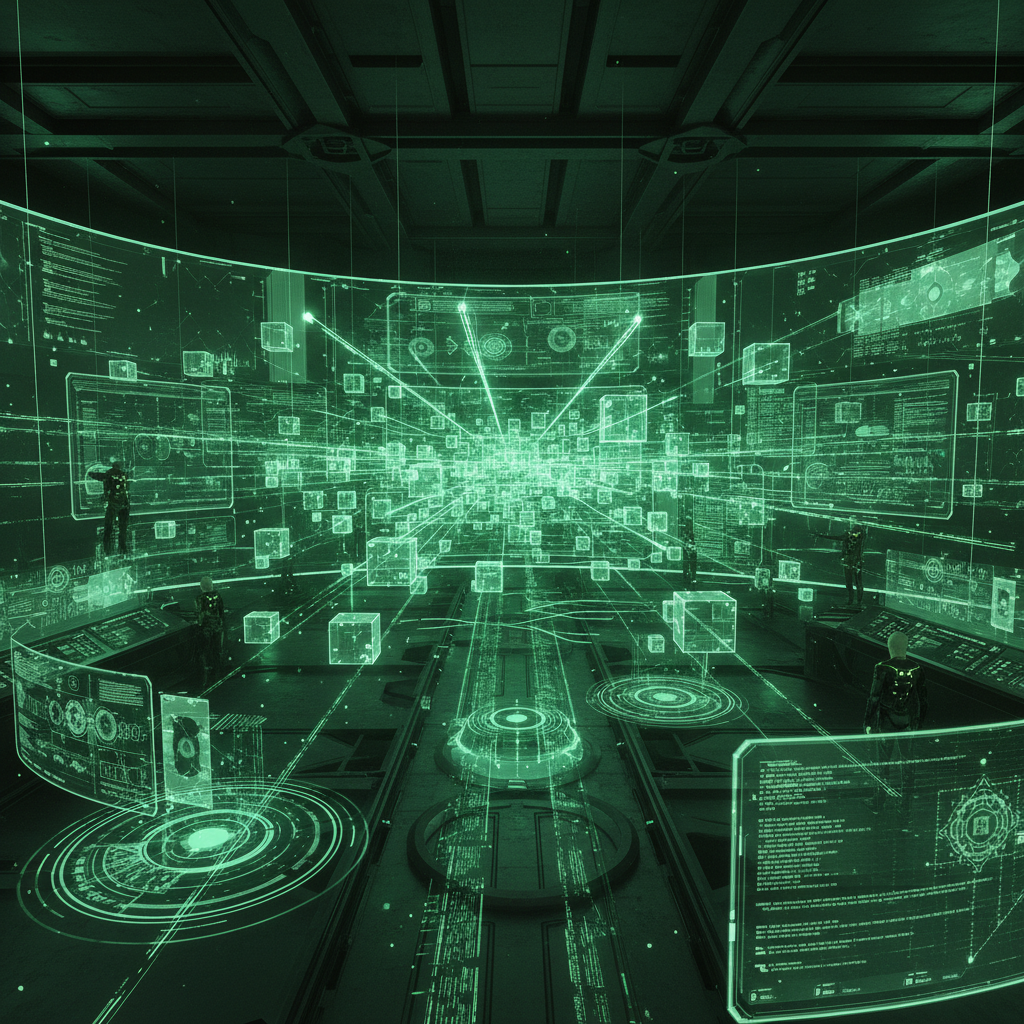
Dynamic workflows in Claude Code enable developers to coordinate massive multi-agent tasks in parallel.
Anthropic has officially launched dynamic workflows for Claude Code, transforming the platform into a massive multi-agent orchestration engine. Available generally as of late May 2026, dynamic workflows empower Claude to tackle vast, legacy codebase challenges by automatically writing orchestration scripts that coordinate tens to hundreds of parallel subagents in a single session. This leap bridges the gap between single-prompt assistance and fully autonomous AI engineering teams, redefining what solo developers and small engineering units can achieve.
From Single Prompts to Autonomous Orchestration
Traditional AI coding assistants are typically bound by a single-pass paradigm—you prompt, the model generates or edits a snippet, and you review. While effective for localized tasks, sweeping architectural changes, framework migrations, and complex debugging sessions often exceed the context and reasoning capabilities of a single pass. Developers are forced to act as the intermediary, breaking tasks down and manually pasting context between multiple chats.
With dynamic workflows, Claude essentially acts as an autonomous project manager. When triggered, Claude dynamically formulates a comprehensive execution plan based on the user's initial prompt, breaks the massive task into smaller subtasks, and fans the work out across multiple subagents running in parallel. These subagents address problems from independent angles, verify each other's work, and even attempt to refute findings to ensure robustness. The workflow iterates continuously until answers converge, producing a cohesive, stress-tested result before anything reaches the developer.
Activating "Ultracode" Mode
Developers can trigger this powerful feature in two distinct ways to suit their specific workflows:
- Direct Prompting: Simply asking Claude to "Create a workflow" for a specific, heavily scoped task.
- The Ultracode Setting: A new Claude Code-specific toggle called
ultracode. Found in the effort menu, this setting ramps the effort level to xhigh, giving Claude the autonomy to determine automatically when a dynamic workflow is necessary to successfully handle a task.
Because these tasks are engineered for long-running work that can span hours or even days, Claude saves its state continuously. If a terminal session is closed or a run is interrupted, the orchestration simply resumes exactly where it left off, ensuring that large-scale operations stay on track without requiring developers to restart from scratch.
Real-World Impact: The Bun Rewrite
To demonstrate the sheer scale of what dynamic workflows can achieve, Anthropic highlighted an impressive case study involving the popular JavaScript runtime, Bun. In an incredible showcase of agentic capabilities, Jarred Sumner utilized dynamic workflows to port Bun's staggering 750,000-line codebase from Zig to Rust.
According to the announcement, the workflow executed the migration in just eleven days from the first commit to the merge, leaving 99.8% of the existing test suite passing. The process involved multiple orchestrated phases:
- One workflow specifically mapping out the correct Rust lifetimes for every single struct field present in the Zig codebase.
- A massive parallel fan-out where hundreds of agents worked simultaneously to port every
.zigfile to a behavior-identical.rscounterpart. Each file was closely evaluated by two independent agent reviewers. - An autonomous fix loop that drove the build and test suite, iterating on compiler errors until the suite ran clean.
- An overnight post-port workflow designed to eliminate unnecessary data copies, automatically generating pull requests for human review.
Audits, Migrations, and Unmatched Reliability
Beyond massive rewrites, early access teams have deployed dynamic workflows for a variety of critical software engineering tasks that require extreme rigor:
- Codebase-wide Bug Hunts: Running parallel searches across entire repositories and services, verifying every finding to ensure high signal-to-noise ratios and eliminating false positives.
- Security and Optimization: Performing exhaustive hardening passes, validating authentication checks, and surfacing profiler-guided optimization audits that traditional static analysis tools often miss.
- Large Migrations: Handling intricate framework swaps, API deprecations, and library upgrades that touch thousands of files end-to-end.
“Dynamic workflows fill the gap between firing off a single subagent and building out a full agent team. Plan to implementation just flows, so we can trust longer runs without losing visibility.”
— Ken Takao, Lead Systems Engineer
Availability and Cautions for Teams
Dynamic workflows are generally available across the Claude Code CLI, Desktop application, and VS Code extension for users on Max, Team, and Enterprise plans (if enabled by organization admins). Additionally, developers can access this orchestration engine via the Claude API, Amazon Bedrock, Vertex AI, and Microsoft Foundry.
However, Anthropic notes a crucial caveat for teams adopting this new capability: Dynamic workflows consume substantially more tokens than typical Claude Code sessions. To prevent unexpected API costs and runway depletion, the platform will display a confirmation screen detailing what is about to run before triggering a workflow. Organization admins also have the option to disable the feature entirely via managed settings.
As AI agents move from simple code completion to large-scale, autonomous software engineering, Claude Code's dynamic workflows represent a major leap forward, radically accelerating what engineering teams can accomplish in mere days.
Enjoyed this?
Get more posts like this delivered to your inbox.
Anthropic Unveils Claude Fable 5 and Mythos 5
Next →Xiaomi & TileRT Shatter 1000 TPS Barrier on 1T-Parameter MiMo Model
Related Articles

Anthropic Introduces MCP Tasks and Elicitations for Claude Code
3 min read