JetBrains Releases Chrome DevTools Connect for WebStorm
JetBrains has launched Chrome DevTools Connect for WebStorm 2026.2.1, enabling AI agents to interact with browsers to debug and verify UI code.
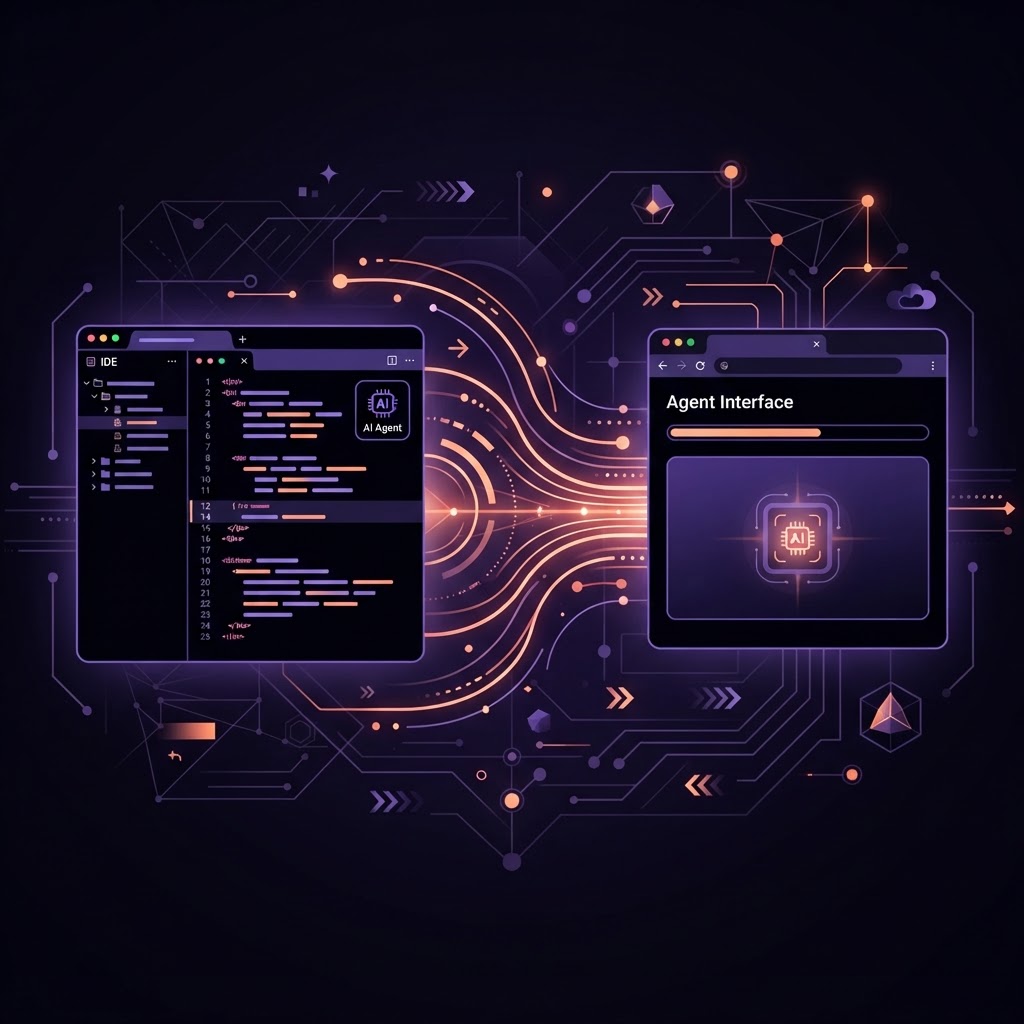
WebStorm 2026.2.1 integrates Chrome DevTools to enable AI agent browser verification.
- Chrome DevTools Connect allows WebStorm AI agents to inspect, interact with, and capture screenshots from the Google Chrome browser.
- The feature is bundled as a Chrome DevTools CLI skill in WebStorm version 2026.2.1 and requires a one-time package installation.
- Combined with the recently released Figma Connect, the tool completes an integrated workflow from design to code to browser validation within the IDE.
Integrating Browser Interaction into the IDE
JetBrains has announced the release of Chrome DevTools Connect for WebStorm, a new integration designed to reduce the frequency of context switching during the frontend development process. Traditionally, developers have had to navigate three distinct environments: design tools for specifications, the Integrated Development Environment (IDE) for writing code, and a web browser to verify the output and debug issues. By bringing browser interaction directly into the IDE, JetBrains aims to consolidate these tasks into a single workspace.
This release follows the launch of Figma Connect for WebStorm, which addressed the first major context switch between design and development. While Figma Connect allows design intent and tokens to flow into the IDE, Chrome DevTools Connect addresses the second switch: the verification phase where code is tested in a live environment. This integration allows AI agents within WebStorm to see and interact with the browser, removing the need for developers to manually describe browser states to the AI.
Technical Specifications and Availability
Chrome DevTools Connect is delivered as a bundled Chrome DevTools CLI skill within WebStorm 2026.2.1. The utility is built in partnership with Google’s Chrome DevTools team, utilizing the Chrome DevTools Command Line Interface (CLI) to bridge the gap between the IDE and the browser. According to the announcement, the first time an AI agent attempts to use the skill, WebStorm will prompt the user for a one-time package installation. Subsequent interactions are handled automatically without additional configuration.
One of the primary technical advantages cited is the lack of complex setup requirements. Developers do not need to manually configure Model Context Protocol (MCP) wiring or research third-party browser automation frameworks. The integration is designed to function out of the box with existing WebStorm AI agent capabilities, provided the user is running the 2026.2.1 release or later.
Capabilities of the AI Agent in the Browser
With access to Chrome DevTools, the AI agent can perform a variety of tasks that previously required manual developer intervention. These include:
- Opening and navigating through instances of the Chrome browser.
- Inspecting rendered HTML and CSS to identify discrepancies between the code and the visual output.
- Reading console logs and network requests to identify runtime errors or API failures.
- Capturing screenshots of the current browser state for visual verification.
- Interacting directly with page elements, such as buttons and forms, to simulate user behavior.
The agent invokes these browser capabilities when it determines that runtime verification is necessary to complete a task, or when specifically instructed by the developer in the AI chat interface.
Practical Application in Bug Reproduction
To illustrate the utility of the integration, JetBrains described a scenario involving a complex bug in a multi-step checkout flow. In such a case, a stale price might appear in an order summary only after a user navigates back and forth through specific pages. Previously, a developer would have to manually click through the checkout sequence to reproduce the error, switch to the IDE to describe the symptoms to an AI, apply a fix, and then manually repeat the browser sequence to verify the solution.
With Chrome DevTools Connect, the developer can provide a single instruction: "The order summary shows stale prices if you go back and change the cart contents, so fix it and verify the fix in the browser." The AI agent can then automate the navigation, reproduce the bug state, read the application state from the console, trace the issue to a missing dependency in the code, and confirm the fix by re-running the sequence in the browser. This shifts the developer's role from a relay between tools to a supervisory capacity.
The Unified Design-to-Browser Workflow
The introduction of this tool marks the second stage of JetBrains' strategy to create an end-to-end development cycle within the IDE. The first stage, Figma Connect, allows the agent to start with actual design data rather than text descriptions. The second stage, Chrome DevTools Connect, provides the agent with the means to validate the final output in the browser. By centralizing design, code, and validation, the platform seeks to minimize the overhead associated with frequent application switching.
JetBrains has indicated that further integrations are planned as part of this ongoing effort to enhance the capabilities of AI agents within their development tools. The 2026.2.1 update follows a series of updates in early 2026 and late 2025 that introduced features such as TypeScript 7 support, native GitHub Copilot integration, and the service-powered TypeScript engine.
Enjoyed this?
Get more posts like this delivered to your inbox.
