Vercel Labs Releases Native SDK: A Fully Open-Source Toolkit for Building Native Desktop Apps
Vercel Labs has introduced Native SDK, a toolkit for building desktop applications using TypeScript and Zig with a custom native rendering engine.
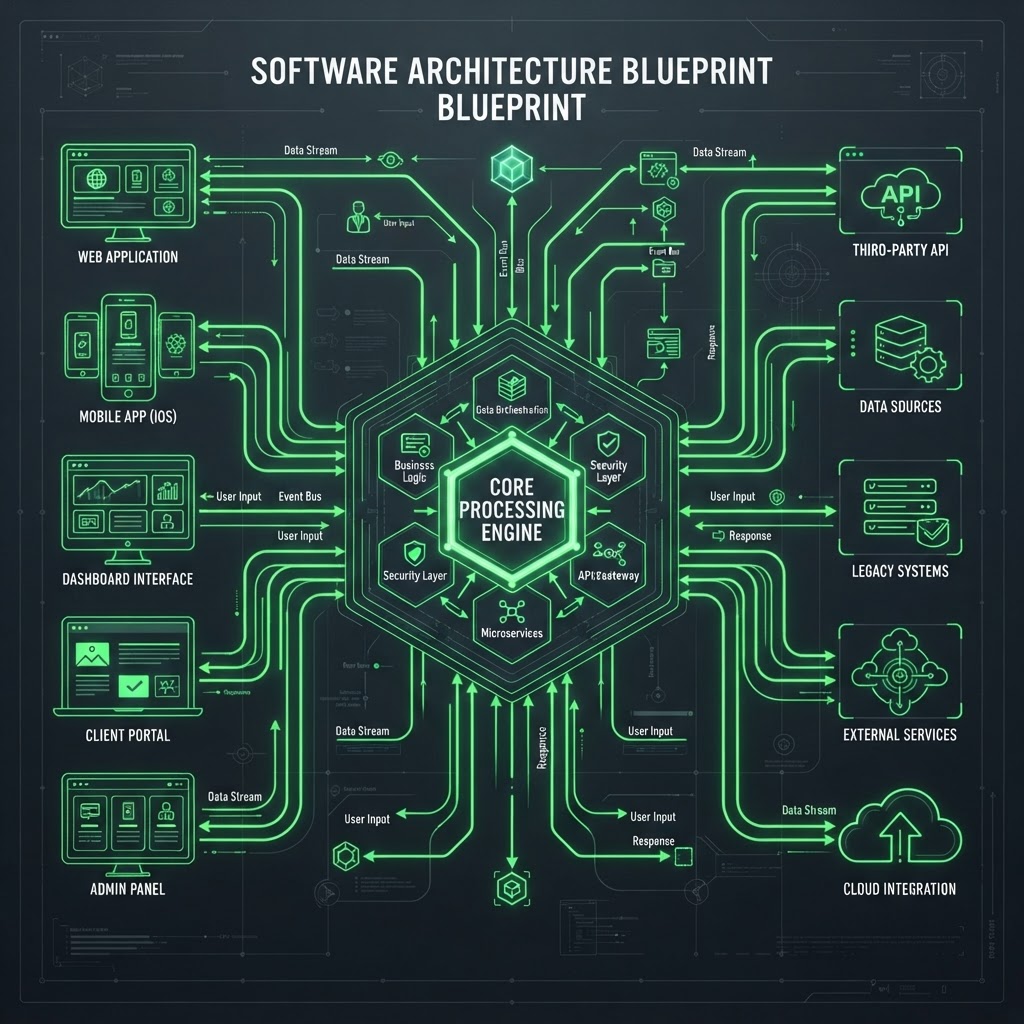
The Native SDK architecture replaces traditional web runtimes with a high-performance native rendering engine.
- Native SDK is a Vercel Labs toolkit for building desktop apps without browsers, WebViews, or JavaScript runtimes in the final binary.
- Applications are authored using TypeScript or Zig logic combined with declarative markup in .native files.
- The framework features a custom engine that renders directly to OS windows, resulting in binaries under 6MB with startup times near 100ms.
- It includes built-in automation servers designed for AI agent interaction and deterministic testing.
Overview of the Native SDK Toolkit
Vercel Labs has released the Native SDK, a development toolkit designed to facilitate the creation of native desktop applications. The project aims to bridge the gap between the expressive authoring models typical of web development and the performance characteristics of native software. Traditionally, developers have relied on web-based runtimes like Electron to achieve speed and control over user interfaces, but these often carry the overhead of a full browser engine. Native SDK departs from this model by replacing the browser runtime with a custom native rendering engine written in Zig.
The toolkit allows developers to write application logic in either TypeScript or Zig, while the user interface is defined through declarative markup in .native files. At build time, the TypeScript logic is compiled into native code. The resulting executables are self-contained binaries that do not include a JavaScript interpreter or an embedded browser. According to project documentation, a standard counter application built with the SDK results in a single binary of approximately 6MB with a startup time of roughly 100ms on modern hardware.
Architecture and Rendering Engine
The core of Native SDK is its proprietary rendering engine, which draws every pixel into real OS windows without the use of a WebView. While the engine handles the rendering of widgets and the component catalog, it leverages the host operating system for specific high-level functions. Features such as scroll physics, context menus, system tray icons, and native dialogs remain managed by the OS to ensure the application feels consistent with the platform environment.
For rendering, the SDK supports various backends depending on the platform. On macOS, it utilizes Metal for presentation and integrates deeply with macOS-specific features like app menus and HiDPI scaling. On Linux and Windows, it employs a deterministic software renderer and Win32 host respectively. The engine also supports GPU surfaces and WebView composition for cases where web content must be embedded, though the primary UI remains native.
The Authoring Experience
Development begins with a command-line interface (CLI) available via @native-sdk/cli. The native init command scaffolds a project that typically consists of three primary files: a view, logic, and a manifest. The view file (src/app.native) uses a markup syntax that supports elements like <row>, <button>, and <text>, with data bindings and message dispatching defined in curly braces.
The logic is centralized in a core file, such as src/core.ts. The architecture follows a predictable state model where a pure update function handles state transitions. This function takes the current model and a message as inputs and returns a new model. This deterministic loop—where events produce messages, messages update state, and state renders the interface—is designed to be easily debuggable and inspectable.
Design and Component Systems
Native SDK includes a built-in component catalog that covers common UI elements such as buttons, tabs, charts, virtual lists, and dialogs. The project emphasizes a "beautiful by default" philosophy, providing considered typography and spacing out of the box. However, the system is designed to be highly customizable through design tokens. These tokens cover colors, radii, and typography, allowing developers to overhaul the visual identity of an application without changing the underlying logic.
The flexibility of this token system is demonstrated in the project's examples, where the same music player logic is used to create both an "airy" desktop window (Soundboard) and a dense, hardware-inspired interface (Deck). The two applications share the same widgets and engine but differ entirely in their design token configurations.
AI Integration and Automation
A notable feature of the Native SDK is its focus on AI-assisted development. The toolkit is designed for a workflow where human developers and AI agents collaborate. Every application built with the SDK embeds an automation server. This allows AI agents or automated scripts to read accessibility snapshots, drive widgets, and assert on live application state. The CLI includes "agent skills" to facilitate these interactions.
Furthermore, the SDK's deterministic nature allows for a feature called native automate record. This tool can journal a user session and reproduce it headlessly, verifying the output frame-by-frame against state fingerprints. This level of predictability is intended to make testing more robust, especially when integrated into continuous integration (CI) environments.
Current Platform Support
As of the current release, macOS is the primary development platform and offers the most comprehensive support. This includes Metal rendering and full integration with macOS input methods and windowing features. Linux and Windows support are available, with Windows currently running on a Win32 host. The project also lists experimental support for mobile platforms; while iOS has been proven through an embed library and Android cross-compilation is functional, the tooling for mobile surfaces is still evolving compared to the desktop experience. Developers are encouraged to consult the official repository for the most up-to-date platform support matrix.
Enjoyed this?
Get more posts like this delivered to your inbox.


