Lerd: A Rootless Local PHP Development Environment for Linux and macOS
Lerd provides an open-source, rootless PHP development stack for Linux and macOS using Podman, featuring automatic .test domains and built-in AI assistant integration.
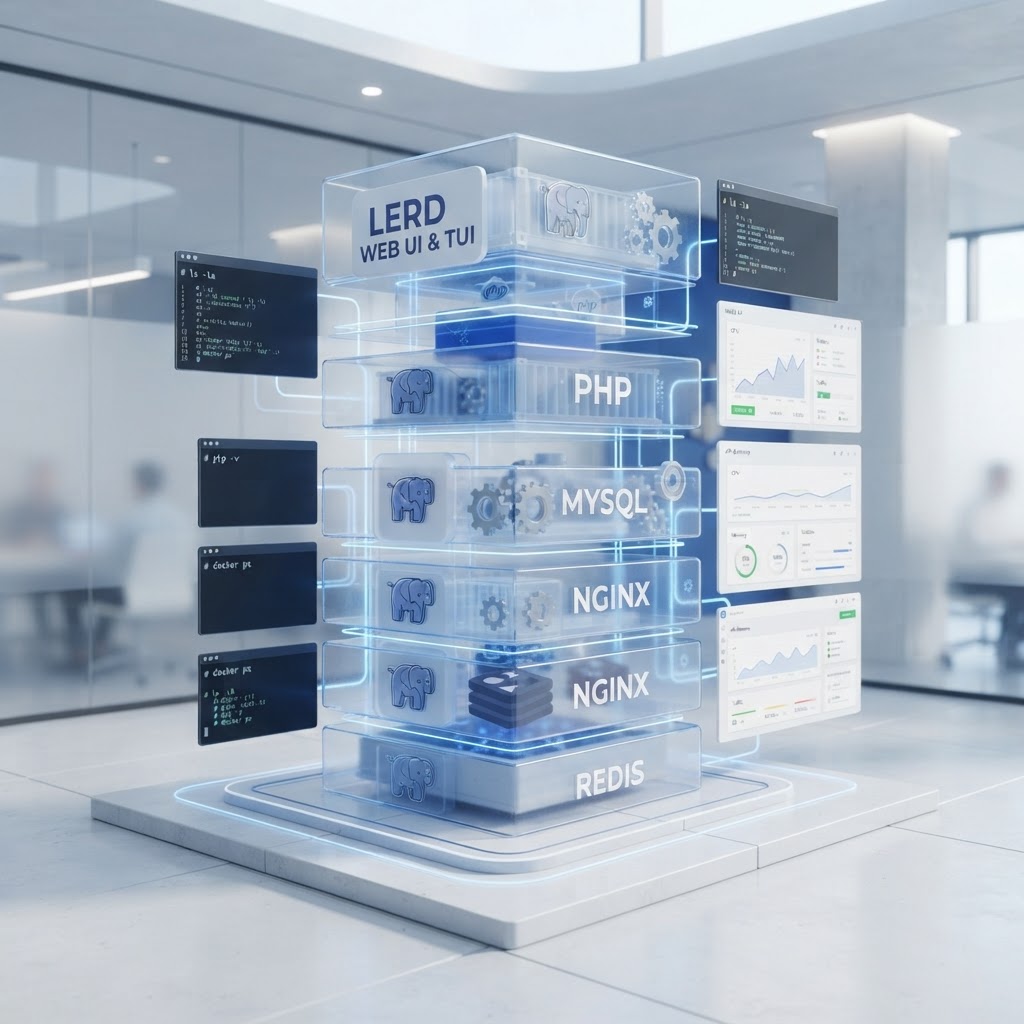
Lerd offers a rootless, containerized development environment specifically optimized for the Linux PHP ecosystem.
- Lerd is an open-source tool providing local PHP development environments for Linux, macOS, and WSL2.
- It utilizes rootless Podman and systemd to run services without requiring a Docker daemon or sudo privileges.
- Features include automatic .test domains, per-project PHP/Node isolation, and integrated debugging tools like SPX and a Tinker REPL.
- Built-in Model Context Protocol (MCP) support allows AI assistants to manage sites, migrations, and logs directly from chat.
Overview of the Lerd Development Stack
Lerd is an open-source local development environment designed to provide Linux and macOS developers with a workflow similar to Laravel Herd. Distributed under the MIT license, Lerd functions as a zero-config shared stack that allows developers to link projects without modifying application files. It is specifically built to address the absence of a native Linux version for popular tools like Laravel Herd or the Windows-only Laragon.
Rootless Architecture and Container Management
At its core, Lerd utilizes Podman rather than Docker to manage service containers. A key distinction of the Lerd architecture is its rootless operation; Nginx, PHP-FPM, and other associated services run as the current user via systemd user units. This approach eliminates the requirement for a background Docker daemon and avoids the need for sudo permissions for standard development tasks, reducing potential system pollution and improving security on the host machine.
Networking, Domains, and TLS
Lerd automates the process of provisioning local development domains. By using the lerd link command, developers can map a project directory to a .test domain. The system handles TLS certificate provisioning through mkcert, ensuring that sites are served over HTTPS by default. For users who prefer to avoid Lerd-managed DNS, the tool supports *.localhost domains and provides options to enable, disable, or repair DNS settings without manually editing system resolver files or using dnsmasq.
The networking stack supports dual-stack IPv4 and IPv6 where available. Furthermore, Lerd includes features for sharing local sites over a LAN using stable ports and QR codes, or publicly via integrations with tunnel services like ngrok, cloudflared, and Expose.
Runtime Isolation and Framework Support
Lerd provides granular control over the development environment through per-project isolation for PHP and Node.js. It supports PHP versions ranging from 8.1 to 8.5, as well as a legacy tier for PHP 7.4 and 8.0. Switching PHP versions for a specific repository can be achieved via the CLI or the dashboard without requiring a full FPM restart. For JavaScript runtimes, Lerd integrates with Node.js versions 22 and 24, with additional support for Bun.
The tool includes a framework store with auto-detection for several major PHP platforms, including:
- Laravel and Symfony (with support for FrankenPHP and Octane)
- WordPress, Drupal, and Magento
- Statamic, CakePHP, CodeIgniter, and Tempest
Integrated Debugging and Performance Tools
To assist in the development lifecycle, Lerd incorporates several diagnostic tools directly into its interface. The SPX flame-graph profiler allows for one-click profiling of PHP-FPM requests, generating flame graphs in a same-origin view within the dashboard. A dedicated debug window intercepts dump() and dd() calls, streaming them to the UI along with SQL query logs, mail events, and job execution data. This system includes N+1 query detection to help identify performance bottlenecks.
Additionally, Lerd features an in-browser Tinker REPL based on the Monaco editor. This REPL is powered by phpantom_lsp, a language server that provides project-aware autocomplete for models, relationships, and vendor classes, allowing for real-time code execution and SQL result inspection.
AI Integration via Model Context Protocol (MCP)
A notable feature of Lerd is its built-in server for the Model Context Protocol (MCP). This allows AI development assistants—such as Claude Code, Cursor, Codex, and Gemini—to interact directly with the Lerd environment. Through this protocol, AI agents can perform tasks such as scaffolding new projects, switching PHP versions, running migrations, and tailing live logs from the terminal or chat interface. This integration aims to streamline the developer experience by offloading environment management tasks to AI tools.
User Interfaces and Tooling
Lerd offers multiple ways to interact with the stack. The primary Web UI, which can be installed as a PWA, serves as a dashboard for managing sites, services, and logs. For terminal-centric workflows, lerd tui provides a mouse-driven, tabbed interface similar to btop, offering live status updates and inline editing of site configurations. The project also includes an offline version of its documentation, accessible via the dashboard or through the lerd man command in the terminal.
For service management, Lerd provides one-click access to databases and tools such as MySQL, PostgreSQL, Redis, and Meilisearch. Host-side shims allow tools like psql or mysql to interact with containerized engines without requiring the clients to be installed natively on the host.
Enjoyed this?
Get more posts like this delivered to your inbox.