Claude Code Desktop Integration for Windows Subsystem for Linux
Anthropic's Claude Code now supports native execution within WSL 2, allowing for improved performance and toolchain compatibility on Windows systems.
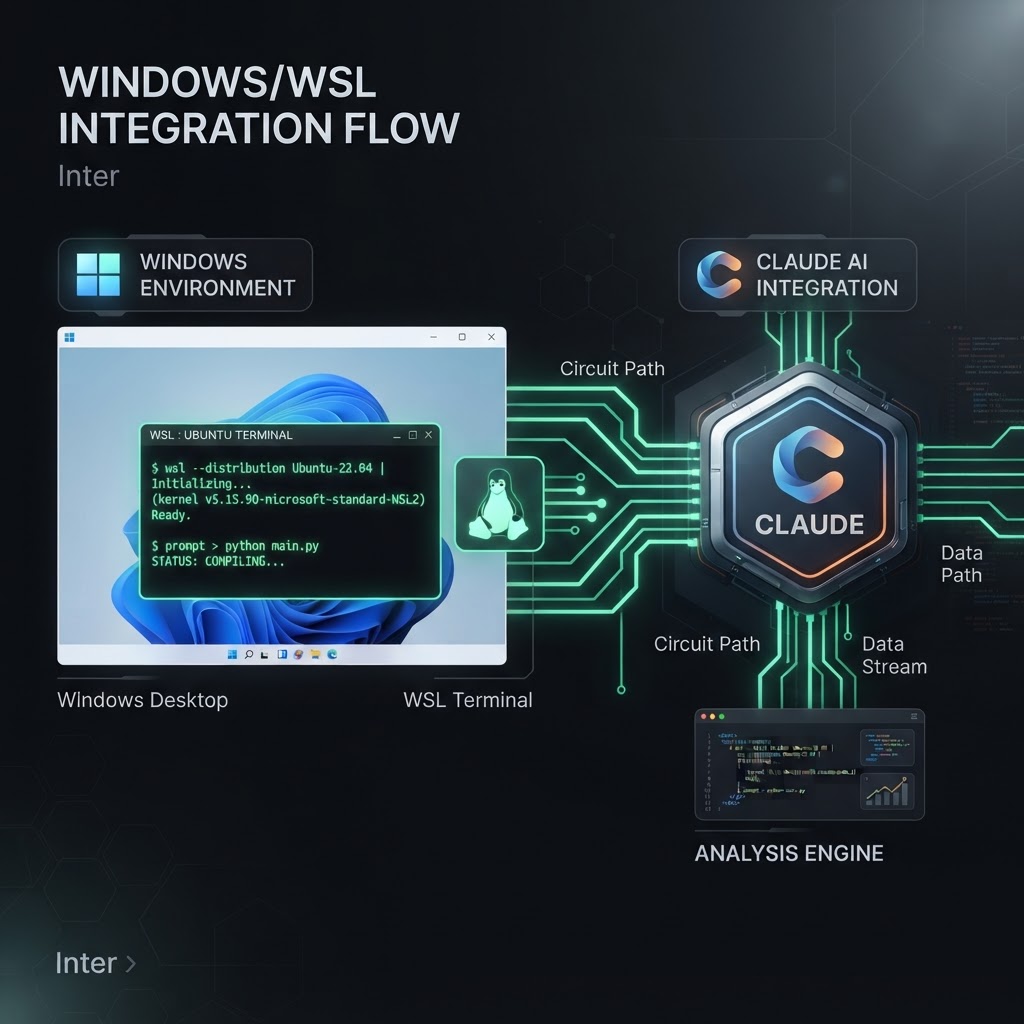
Claude Code's WSL 2 integration bridges the gap between Windows environments and Linux-native development toolchains.
- Claude Code can now run natively inside WSL 2 distributions to avoid network filesystem latency.
- The integration supports Linux toolchains, native paths, and deep integration with VS Code via Remote - WSL.
- Current limitations include the absence of an integrated terminal and file suggestions in the composer.
Overview of WSL Integration in Claude Code
For developers working on Windows, the Windows Subsystem for Linux (WSL) provides a robust environment for running Linux-native tools and workflows. Anthropic has introduced a dedicated integration for Claude Code that allows the application to run sessions directly inside a WSL 2 distribution. This implementation ensures that the Claude Code process, its associated tools, and git operations execute entirely within the Linux environment rather than on the host Windows OS.
The primary motivation for this architectural choice is performance and file system compatibility. When a Windows-based application attempts to access files stored within a WSL distribution, it must communicate through a network filesystem protocol. This layer introduces significant latency and frequently interferes with file-watching mechanisms required by modern development tools. By running the session inside the distribution, Claude Code gains access to native Linux paths and the distribution's specific toolchain, effectively operating as a native Linux application.
Technical Requirements and Compatibility
To utilize Claude Code within WSL, users must meet several technical prerequisites. The feature is restricted to Windows 10 or 11 environments running WSL 2. Older versions, specifically WSL 1, are not supported due to architectural differences in how the kernel and file systems are handled. Additionally, at least one Linux distribution, such as Ubuntu or Debian, must be installed and configured on the host machine.
Within the specific distribution where Claude Code will operate, git must be installed. This is necessary because the AI agent relies on the local git binary to perform repository operations, track changes, and manage branches. Without a functional git installation inside the distribution, the agent cannot provide its full suite of version control capabilities.
Workflow and Session Initialization
Starting a WSL session involves a specialized setup process within the Claude desktop application. Users navigate to the Code tab and utilize the environment picker to view available WSL 2 distributions. Once a distribution is selected, the session typically initializes in the distribution's home directory. Users then use a folder picker to navigate to their project directory, which will appear with Linux-style paths (e.g., /home/username/project).
Workspace Trust and Security
Security is handled through a workspace trust model. The first time a session is initiated in a specific folder within a distribution, a trust dialog appears. This trust is granted on a per-distribution and per-folder basis. For instance, granting trust to a folder in an Ubuntu distribution does not automatically grant trust to that same folder if accessed via a different distribution or through the native Windows file system. This isolation ensures that the AI's permissions are granular and contained within the intended environment.
First-Time Setup Latency
Initial sessions within a specific distribution may experience a brief delay. This is due to Claude performing an internal setup process to ensure all necessary components are correctly provisioned within the Linux container. Subsequent reconnections are optimized, and recently used folders are cached within the picker to facilitate quicker access.
Feature Parity and Limitations
While the WSL integration provides a native-like experience, there are differences in feature availability compared to the standard Windows or Linux desktop versions. Several core features are currently fully supported, including parallel sessions, side chats, and visual diff reviews. Branch and pull request status updates also function as expected, as they are backed by the git binary located inside the distribution.
Integration with Visual Studio Code is maintained through the "Open in editor" command. When triggered from a WSL session, Claude Code utilizes the VS Code "Remote - WSL" extension to ensure the editor correctly connects to the Linux distribution and preserves the environment's context.
Current Functional Gaps
As of the current documentation, several features are unavailable in the WSL environment. Users will find that the integrated terminal is not yet functional within these sessions. Additionally, connectors, plugins, and session forking are currently unsupported. Interface elements such as the file browser pane and automatic file suggestions (triggered by the @ symbol in the composer) are also absent. Users requiring these features may need to wait for future updates or rely on standard Windows sessions if their project location permits.
Administrative Controls for Managed Devices
In corporate or enterprise environments where devices are managed by an organization, administrators have the ability to restrict or disable WSL sessions. If a session fails to start with a message indicating the device is managed, it is likely due to a policy enforced by the organization's IT department. Documentation for administrators outlines how these settings are deployed to client devices to maintain compliance with security policies.
Enjoyed this?
Get more posts like this delivered to your inbox.
NVIDIA Launches NemoClaw for LangChain Deep Agents Code: Run Open-source dcode, tuned for Nemotron 3 Ultra, to Plan, Edit, and Test Code
Next →Unified Management of Custom Domains via the TypeScript Domain SDK
Related Articles

Anthropic Introduces MCP Tasks and Elicitations for Claude Code
3 min read