Claude Code Introduces Cross-Session Messaging for Agent Coordination
Anthropic has released cross-session messaging for Claude Code, allowing independent AI sessions to communicate and coordinate tasks across terminals.
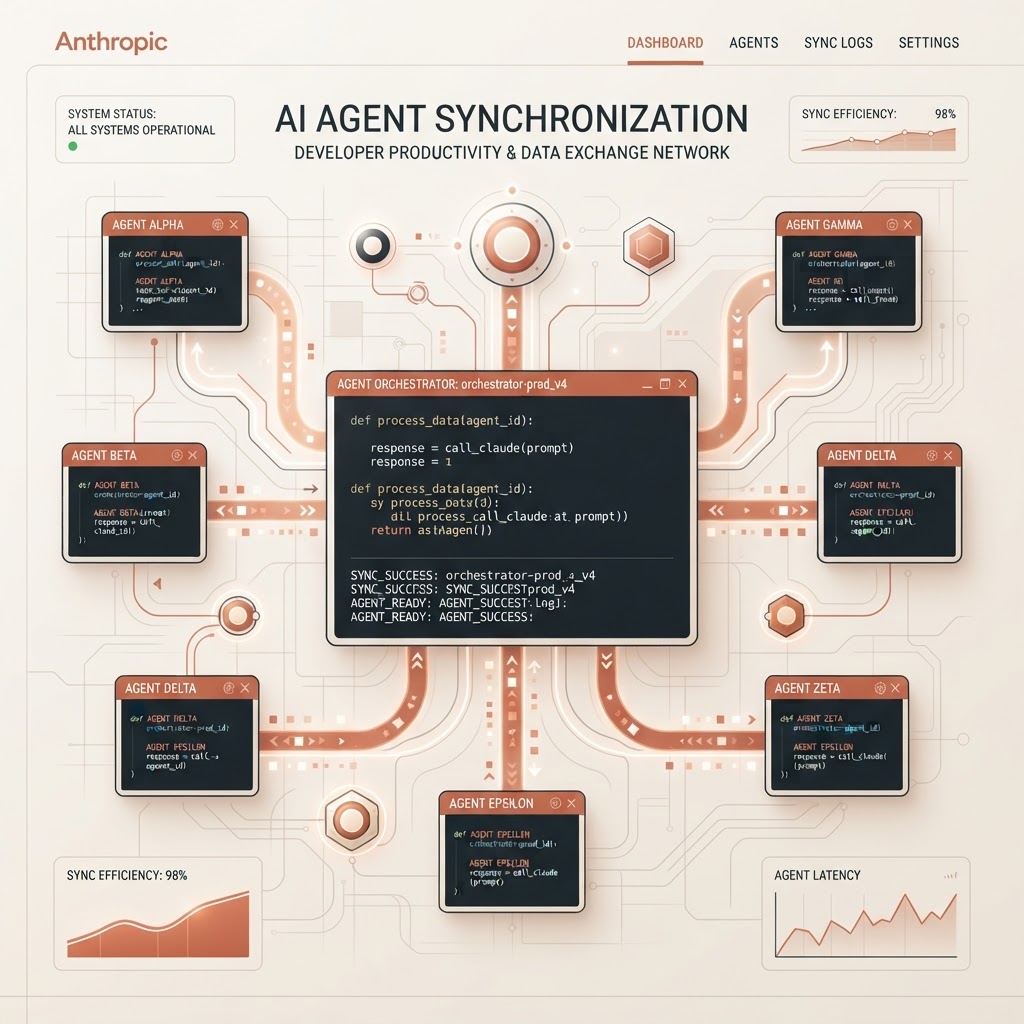
Claude Code's cross-session messaging enables independent AI instances to synchronize work through a secure communication layer.
- Cross-session messaging enables Claude Code sessions to exchange technical summaries and status updates.
- The feature requires Claude Code version 2.1.224 or later and is available on macOS and Linux systems.
- Security is managed through per-session permission boundaries and configurable inbound message controls.
Technical Coordination Between Independent Sessions
Anthropic has implemented a cross-session messaging feature within Claude Code, designed to facilitate communication between separate agent instances running on the same machine or across different devices. This capability allows one Claude session to deliver specific text-based information to another session without the user manually copying data between terminal windows. This system is particularly relevant for developers managing complex workflows where multiple agents are assigned to different parts of a codebase or different worktrees.
The feature is restricted to text communication; it does not transfer entire conversation histories or file contents. Instead, it serves as a notification and synchronization layer. According to the official documentation, the system is automatically active for users running Claude Code version 2.1.224 or higher on supported Unix-based operating systems, specifically macOS and Linux.
Functional Use Cases for Developer Workflows
Cross-session messaging addresses several common scenarios in parallel development. One primary application is the handover of findings. When one agent session identifies a breaking change or reaches a significant architectural decision, it can summarize these findings for another session currently active in the affected area of the project. This reduces the need for the human developer to act as a manual relay for technical context.
The system also assists in coordinating work across parallel worktrees. In environments where multiple sessions are operating on the same repository via separate worktrees, Claude can inform other sessions about which changes have been committed or landed. Additionally, developers can use the feature to monitor long-running tasks. For example, a session managing a database migration or an extensive test suite can report its completion or status back to the primary session the developer is actively monitoring.
For remote work, cross-session messaging supports replies across machines or through the web via Remote Control. In these cross-machine scenarios, however, there is a functional limitation: the remote agent can only reply to incoming messages and cannot initiate a new exchange with a session on a different machine.
The Toolset: ListAgents and SendMessage
Claude manages these interactions through two specific internal tools: ListAgents and SendMessage. The ListAgents tool is used for discovery, allowing the agent to identify which other sessions are currently reachable and what names they answer to. Users can also manually view these sessions by executing the /list-agents command in the terminal.
The SendMessage tool handles the actual delivery of text. While Claude can decide to send a message autonomously when it detects a dependency or a conflict, users can also explicitly prompt the agent to communicate. Examples of such prompts include asking a session to check if a migration is finished or requesting that one session explain a specific set of changes to another session working on a different API component.
Message Delivery and Inbound Controls
Message delivery is timed to ensure it does not interrupt active tool execution. The receiving Claude instance reads incoming messages between tool calls during an active turn. If the receiving session is currently idle, the arrival of a message triggers a new turn automatically. The delivery process is governed by a set of inbound controls that result in one of three states:
- Delivered: The message is successfully passed to the receiving Claude agent.
- Held: The message is set aside and only reaches the agent if the user provides manual approval or if settings are modified to allow it.
- Refused: The system drops the message entirely based on pre-defined security or configuration rules.
Crucially, permission boundaries remain isolated to each individual session. An agent is instructed not to request actions from another session that would violate its own permission settings. Furthermore, any action requested via a message is still subject to the receiving session's specific rules and manual approval prompts.
Availability and Configuration Requirements
To utilize cross-session messaging, users must be on a compatible version of the tool. The feature is supported for various LLM providers, though users are encouraged to check the specific Availability section of the documentation to confirm their provider's compatibility. Configuration options allow users to restrict messaging, require manual approval for any messages originating from other machines, or disable the feature entirely if a strictly isolated environment is required.
It is important to distinguish this feature from other parallel work capabilities in Claude Code. While cross-session messaging is for independent, user-steered sessions, other features such as 'agent teams' are designed for sessions that Claude spawns and supervises directly. Similarly, 'Remote Control' is intended for direct human steering of a session from a different device, rather than agent-to-agent communication.
Enjoyed this?
Get more posts like this delivered to your inbox.
