AWS Introduces Project-Level Hard Spend Limits
AWS has launched new project-level spend limits, allowing users to cap costs and prevent unexpected billing by automatically pausing resources.
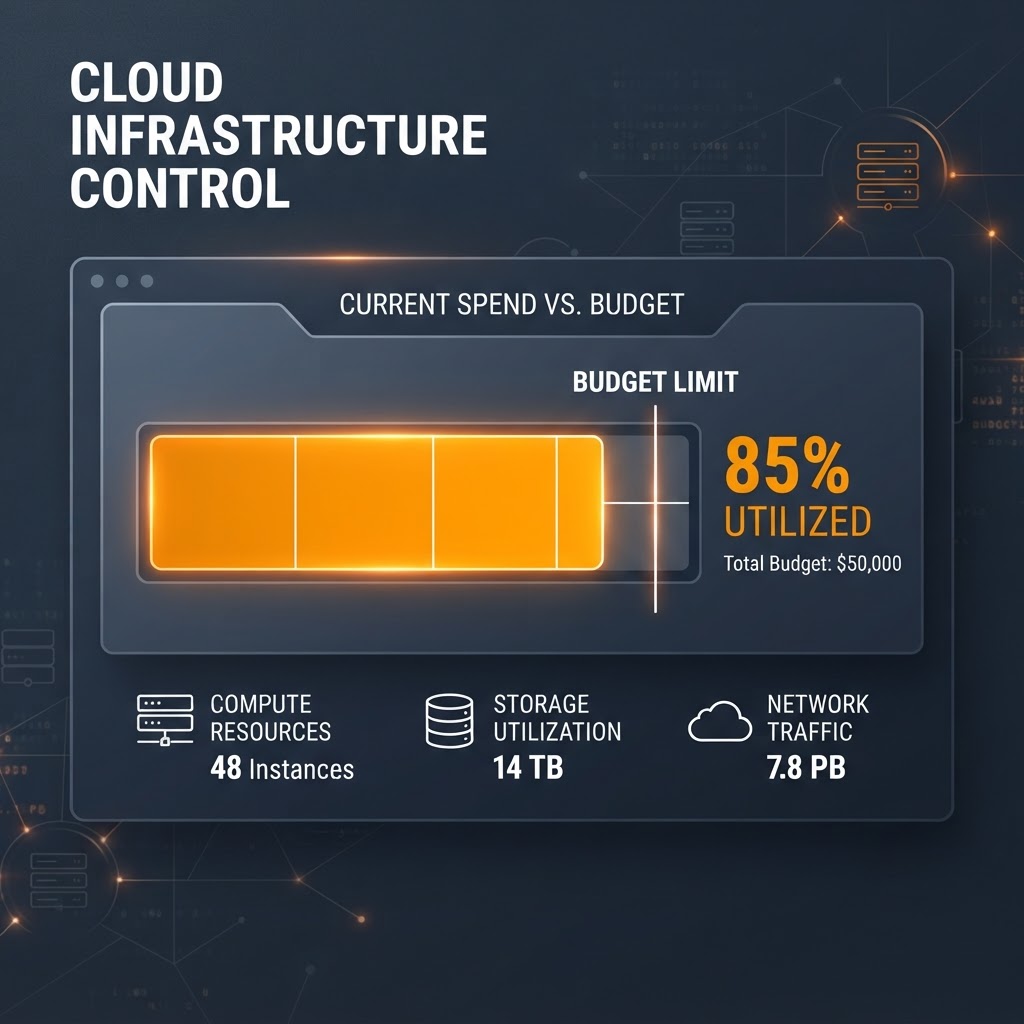
Visual representation of project-level spend management and cloud cost controls.
- AWS now allows users to set hard monthly spending caps on a per-project basis to prevent overage charges.
- If a project reaches its configured limit, AWS automatically pauses active resources to halt further billing.
- Optional guardrails include automated warnings and the suspension of idle or high-cost resources before the limit is reached.
- This feature requires a paid plan and is available for up to 10 projects per account.
Overview of AWS Spend Limits
Amazon Web Services (AWS) has introduced a new feature allowing users to establish hard monthly spending limits at the project level. Designed to address concerns regarding surprise billing, this functionality acts as a financial safety net for developers, students, and businesses. Unlike traditional budget alerts, which merely notify users when costs cross a threshold, these new spend limits are intended to function as a definitive stop, automatically halting project resources once a pre-allocated budget is reached.
According to official documentation, the system ensures that users stay within their defined price points while experimenting with new cloud architectures. The feature is specifically targeted at individuals or teams who want to maintain strict control over their infrastructure costs without needing to constantly monitor real-time billing metrics.
How the Limits Function
Spend limits are configured per project rather than at the entire account level, providing granular control for users managing multiple deployments. When a project hits its designated ceiling, AWS initiates an automatic pause of the associated resources. This action prevents the accumulation of further charges past the limit. If a project is paused, owners have a 90-day window to adjust or remove the limit to reactivate their environment.
A critical detail regarding these limits is the minimum required value. AWS mandates a minimum spend limit that is the higher of $20 or a conservative estimate based on current usage, resource configurations, and historical activity. This safeguard prevents users from setting limits that are too low to accommodate normal operational variations, which could lead to frequent, unintended service disruptions.
Optional Cost Guardrails
In addition to the hard limit, AWS provides three optional, automated controls that trigger as usage approaches the predefined cap. These features are designed to mitigate costs before the final shutdown occurs:
- Notifications: Automated alerts are sent at 50%, 75%, and 90% of the limit, including a projection if the account is on track to exceed the cap within the next 10 days.
- Stop New Resource Launches: Roughly seven days before the limit is reached, the system prevents the initiation of new resources, though existing processes continue to run.
- Pause Idle Resources: About five days before the limit is hit, AWS identifies and pauses underutilized resources such as EC2 instances, RDS databases, and SageMaker endpoints, based on defined idle criteria.
- Pause Top Cost Drivers: Four days out, the system may pause the highest-cost active resources—including those in Lambda, Bedrock, and other high-usage services—to preserve the budget.
Implementation and Availability
To utilize this feature, users must be on a paid AWS plan. The configuration process takes place within the AWS Settings console under the Billing section. Users can select a recommended limit or define a custom amount. Once enabled, these settings take effect immediately. As noted in the official announcement, the goal is to provide developers with a clear and predictable experience, especially for those in the learning or prototyping stages of their projects.
Enjoyed this?
Get more posts like this delivered to your inbox.
Microsoft Introduces Microsoft.UI.Reactor: An Experimental Framework for Building WinUI 3 Desktop Apps
Next →Anthropic Introduces MCP Tasks and Elicitations for Claude Code
Related Articles

Vercel Adds Spend Management Capabilities to CLI
3 min read
AWS Launches Continuum: An Autonomous AI Security Agent Designed to Find, Prove, and Patch Code Vulnerabilities at Machine Speed
4 min read