Autonomous Launches Harness Terminal for Cross-Machine AI Agent Management
Harness Terminal is a new free desktop application designed to manage AI agents across local machines, servers, and cloud environments in a single window.
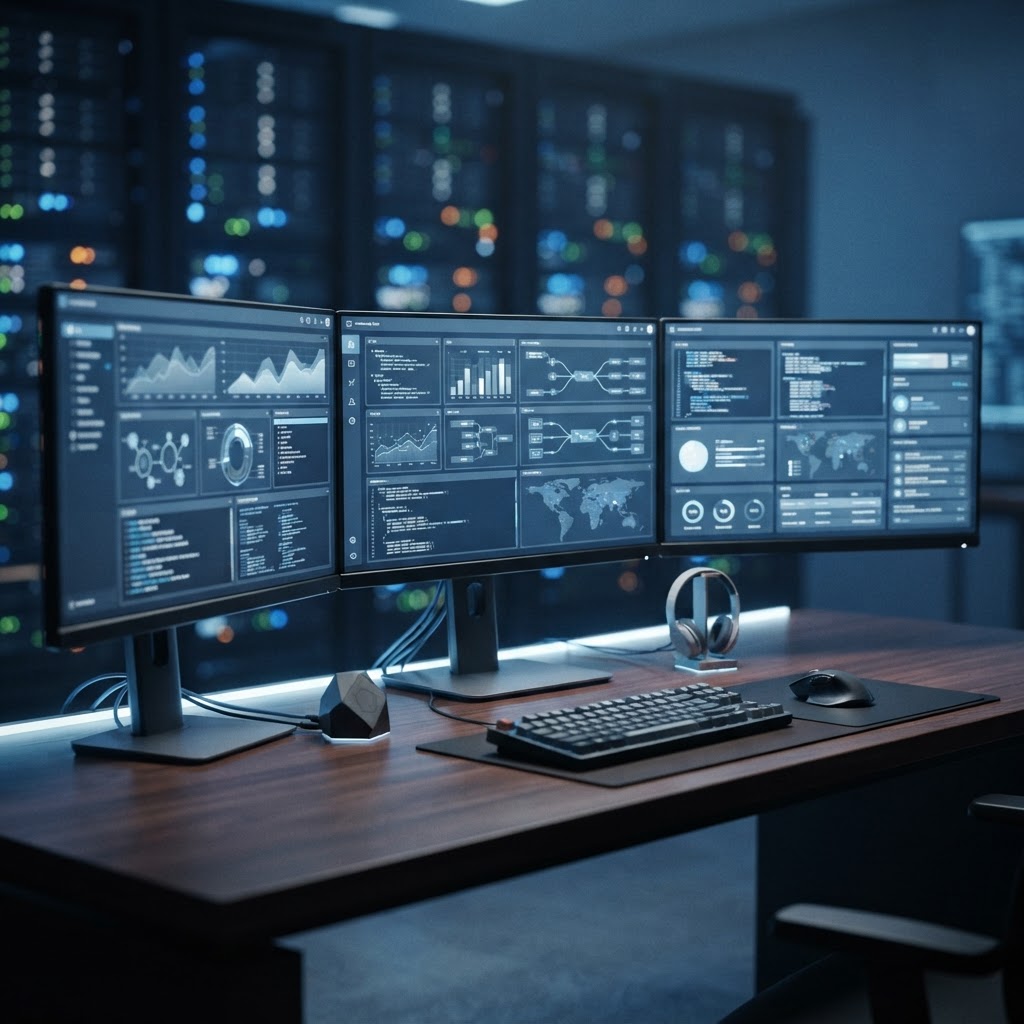
The Harness desktop application allows users to monitor and manage multiple AI agents across diverse machine environments.
- Harness is a free desktop application available for macOS and Linux that centralizes AI agent control.
- The software enables users to monitor and interact with agents on remote machines without needing VPNs, open ports, or SSH.
- Features include persistent session management and a customizable multi-pane view for concurrent agent orchestration.
Centralizing Distributed AI Workflows
Autonomous has released Harness, a desktop command center designed to streamline the operation of AI agents across multiple computing environments. The application, which provides a unified interface for machines ranging from local MacBooks to remote cloud servers, seeks to address the friction often associated with managing disparate agent deployments. By moving agent control into a centralized hub, users can interact with various systems—including home servers, office workstations, and datacenter instances—without relying on traditional remote access methods like SSH tunnels or VPNs.
The platform is built as a native Flutter client, ensuring compatibility with macOS and Linux. It allows developers to view and manage agents such as Claude Code, Codex, Hermes, and Pi in parallel, providing a cohesive workflow for users who distribute their automated tasks across different hardware profiles.
Technical Architecture and Agent Integration
The core functionality of Harness revolves around its ability to maintain persistent sessions. Unlike browser-based interfaces that may lose connection state, Harness allows agents to continue their tasks on the host machine even when the client is closed or the network connection is interrupted. This persistence ensures that long-running processes—such as server backups, load tests, or migration scripts—are not terminated by changes in local connectivity.
Harness simplifies the discovery and management of these environments through a secure, encrypted handshake process. According to the technical documentation provided on the project's GitHub repository, the desktop client uses CLI-based discovery mechanisms to locate Autonomous devices on the same network. Pairing is conducted through a PAKE (Password Authenticated Key Exchange) handshake, which authenticates the connection without requiring the storage of sensitive backend credentials directly on the desktop client.
For users running Codex-based agents, Harness includes a profile discovery system. It can scan local environments to identify specific configuration directories and profiles, allowing developers to switch between different agent settings seamlessly. This functionality is intended to reduce the manual overhead of updating environment variables or path configurations when shifting focus between different projects or machine environments.
Interface and Productivity Features
The user interface of Harness is centered around a multi-pane layout system. Users can configure their workspace to display multiple agents side-by-side, enabling simultaneous monitoring of workflows across different servers. The application offers "Swarm mode," a feature that allows users to snap various agent terminal sessions into a grid layout, facilitating real-time visibility into the status of distributed automation tasks.
Harness also introduces improved handling of media and file previews. By utilizing specific keyboard modifiers, users can click on file paths within an agent's terminal output to open them in the operating system's default viewer. For remote agents, the application manages the secure transfer of these files over an existing end-to-end encrypted connection, providing a temporary local cache that is automatically pruned to manage disk space.
The application is designed to be extensible, supporting custom agent setups alongside the out-of-the-box integrations. By consolidating the command center, Autonomous aims to reduce the context switching required to manage complex multi-machine pipelines, allowing developers to focus on the results produced by their agents rather than the underlying infrastructure required to maintain them.
Enjoyed this?
Get more posts like this delivered to your inbox.
Laravel Releases Laravel MCP 1.0: Rapidly Build MCP Servers for Your Apps and Enable Search & Execute Tools for Your AI Agents
Next →OpenAI Details Habitat Storage Scaling and Rust Rewrite
Related Articles

Microsoft Introduces Microsoft.UI.Reactor: An Experimental Framework for Building WinUI 3 Desktop Apps
4 min read
Anthropic Introduces MCP Tasks and Elicitations for Claude Code
3 min read